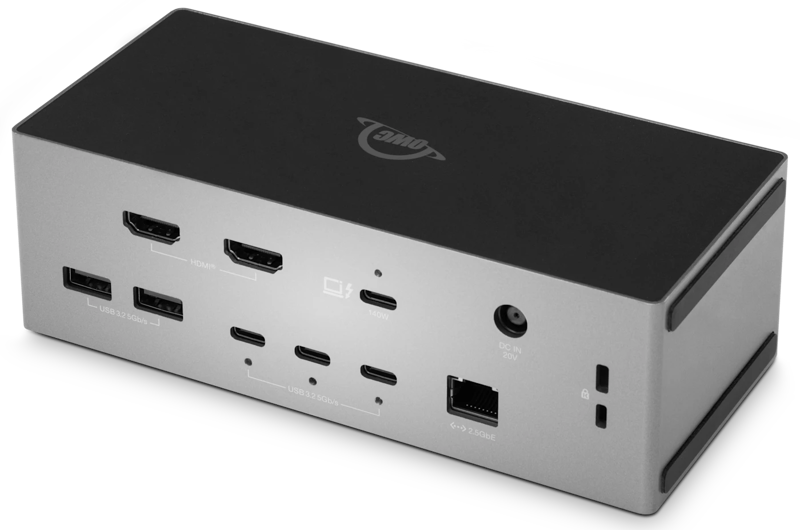

Dual HDMI Built In. Everything Else Included.
You have HDMI monitors, but your laptop doesn't have HDMI ports. Adapters, dongles, and flicker aren't the answer. OWC Thunderbolt 5 Dock with Dual HDMI is.
Connect your monitors directly without adapter or DisplayPort conversion hassles through two native HDMI 2.1 ports, each running on its own dedicated controller so neither display competes with the other for bandwidth. Plug in one Thunderbolt 5 cable and bring your whole workspace alive at once with wired networking, high-speed storage expansion, memory card offload, and up to 140W of laptop charging.
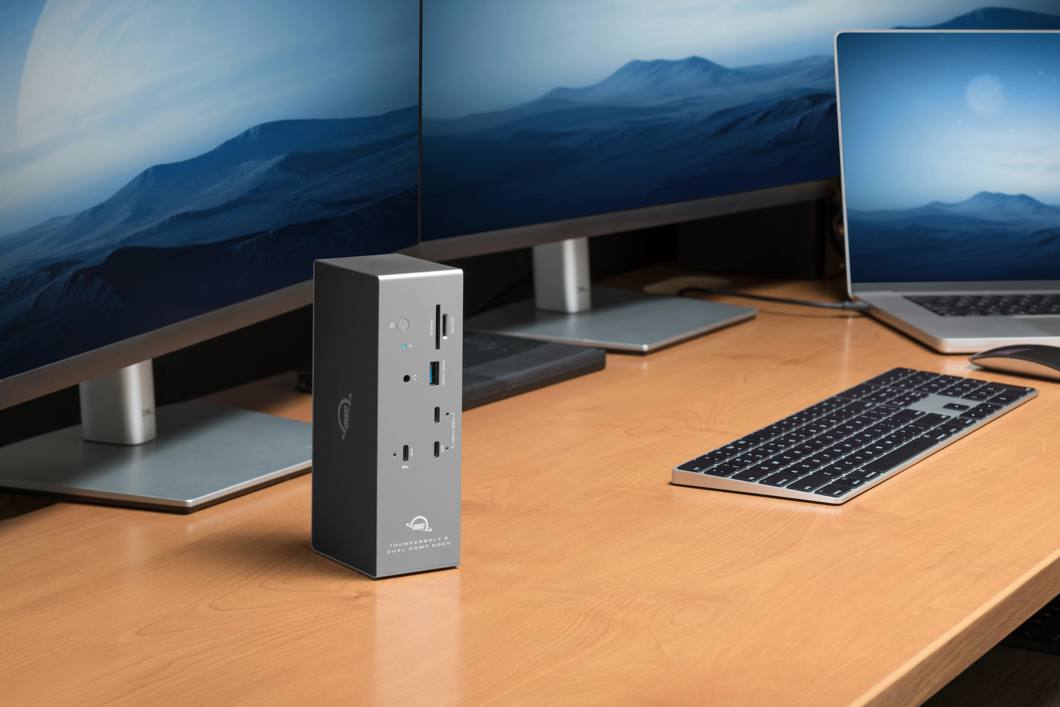
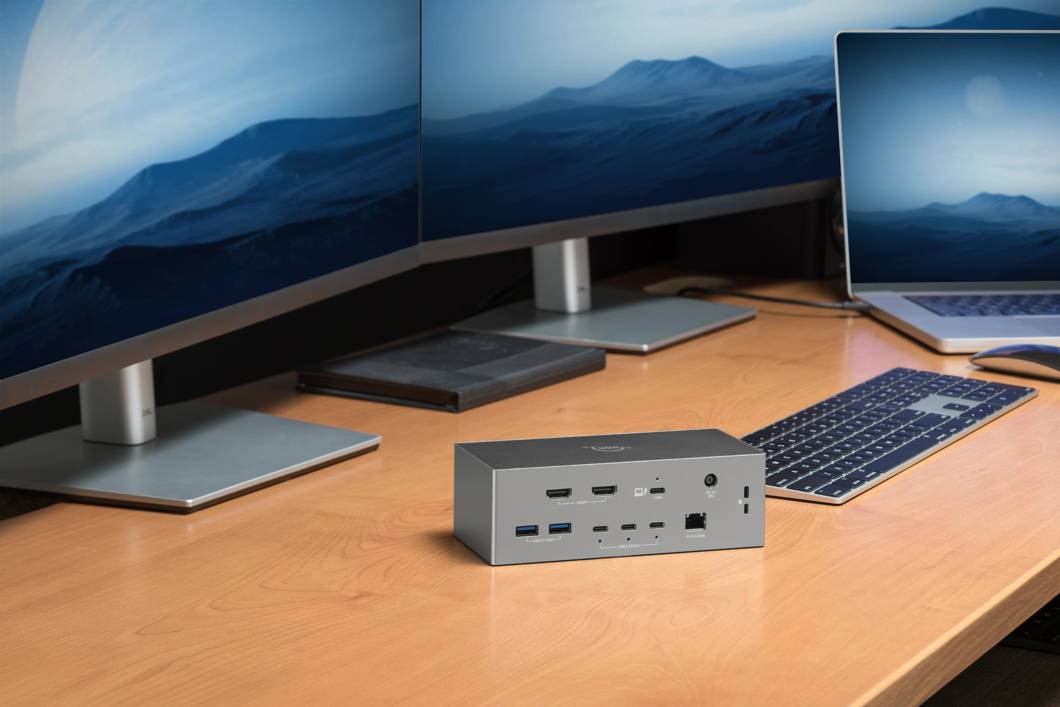
Just when you think this dock couldn't make things easier for you, it adapts to your desk setup too. Lay it flat next to your keyboard or stand it upright to save space.
Two Displays, Zero Adapters
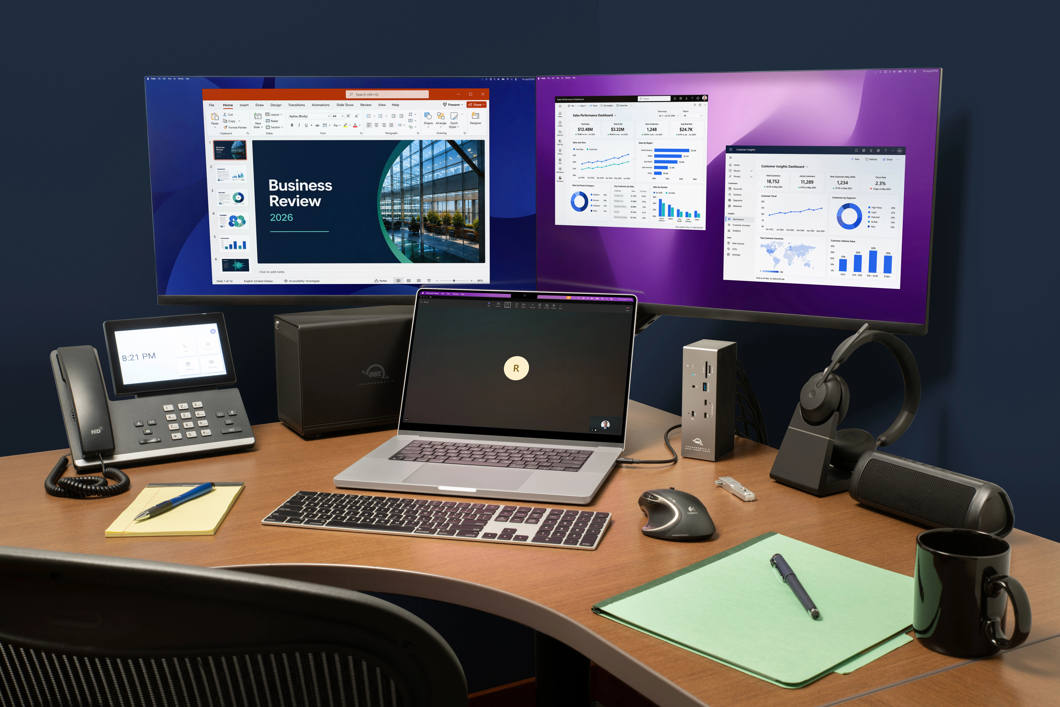
Plug any HDMI monitor, TV, or reference display straight into the dock. Run dual 8K displays @ 60Hz on a Thunderbolt 5 host or add a third display through the Thunderbolt 5 port itself at 6K @ 60Hz.
No More Adapter Hunting
Two HDMI 2.1 ports built right in. Any monitor with HDMI plugs directly into the dock with zero compatibility guesswork.
Pull Media Directly from Cards
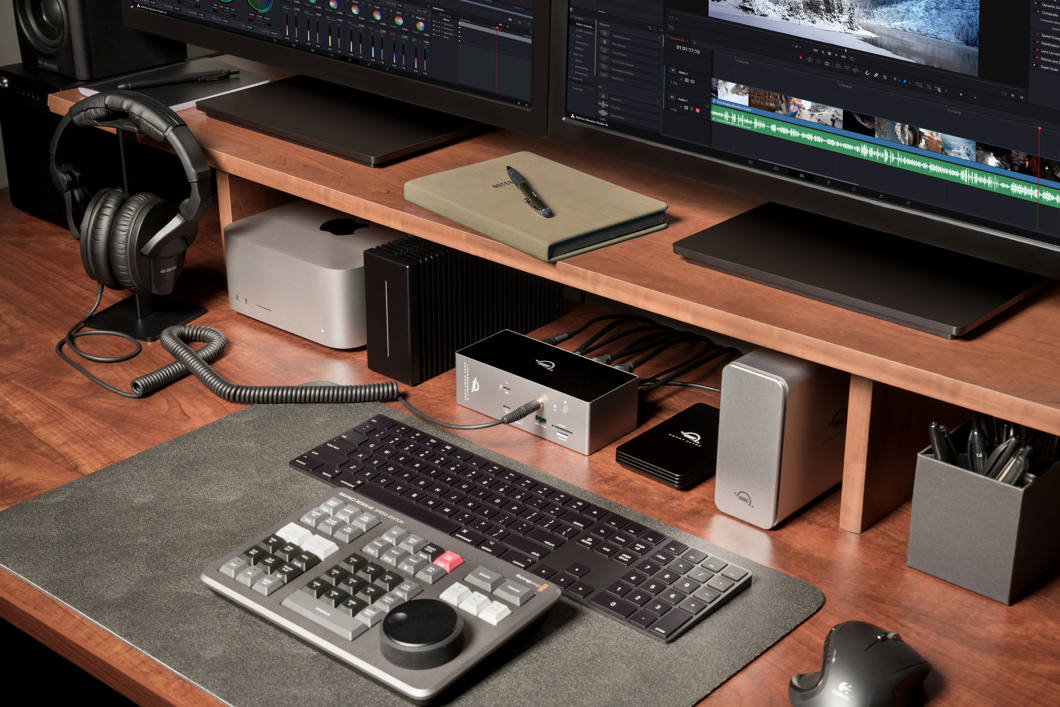
UHS-II SD and microSD slots let you offload footage without a separate card reader.
Everything Through One Cable
A single Thunderbolt 5 connection delivers dual displays, wired networking, storage, card readers, and full laptop charging simultaneously.
Built for What's Nex
Supports dual 4K @ 240Hz or dual 8K @ 60Hz with DSC on Thunderbolt 5 hosts. A third display is possible via Thunderbolt or USB-C. This dock won't become a bottleneck when you upgrade.
140W Power Delivery
Keeps MacBook Pros and high-performance Windows laptops fully charged at peak performance while running the entire connected setup.
Works With the Whole Fleet
Compatible with Thunderbolt 5, Thunderbolt 4, USB4, USB-C, and Thunderbolt 3 (Mac) hosts across Mac and Windows environments.
Fast Device Charging
The downstream Thunderbolt 5 port runs external SSDs and RAID arrays at full rated speed. The dock will never be the slowest thing in the chain.
Fits Your Desk, Your Way
Place it flat or stand it upright. This dock is built to support both horizontal and vertical desk placement.
Fast, Stable Wired Networking
2.5GbE delivers the throughput needed for NAS workflows, large file transfers, and secure corporate environments.
One-Click Safe Disconnect
OWC Dock Ejector unmounts every connected drive in a single click. On macOS, an included driver also enables Apple Super Drive support through the dock.
All the Rest Is Built in Too
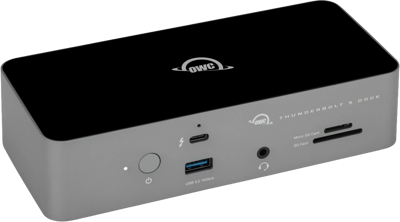
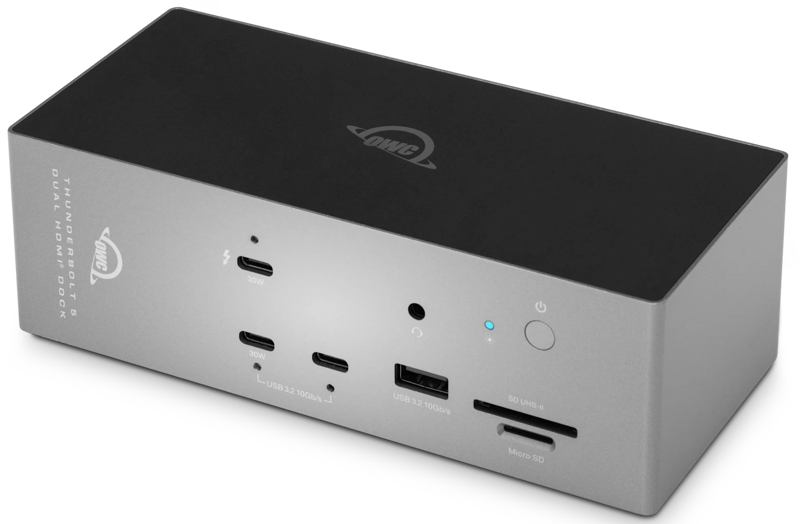
Access a NAS, transfer large files quickly, and log into a secure corporate network without Wi-Fi latency or dropped connections with the 2.5Gb Ethernet port. Round out your desktop setup with eight total USB ports, two USB-C and one USB-A up front, plus three USB-C and two USB-A in back, so your drives, keyboard, mouse, and accessories stay connected without hunting for an open port.
Connect Fast Storage or a Third Display
Connect the latest NVMe SSDs, RAID arrays, or Thunderbolt storage enclosures to the second Thunderbolt 5 port and move massive libraries, project files, or backups at full rated speed without shared-bandwidth bottlenecks. Need a third display instead? Drive it from the same port, up to 6K @ 60Hz or 4K @ 144Hz alongside your two HDMI monitors.
Full Power Charging Even While Running Everything Else
Keep the most demanding MacBook Pro or Windows laptop fully charged and ready to hit the field with up to 140W of charging even while running dual displays, storage, and networking simultaneously. Fast charge a phone or tablet alongside it with up to 30W from the front USB-C port.
Offload Cards and Keep Them Shoot Ready
Pull footage directly from camera cards through the UHS-II SD and microSD slots. When you use OWC Atlas SD cards, you can keep them shoot ready with free Innergize software. Check remaining health and lifespan, restore write performance that's degraded from heavy use, and push firmware updates to stay compatible with new camera releases.
What's included:
(1) OWC Thunderbolt 5 Dock with Dual HDMI
(1) 1.0M (39) Thunderbolt 5 Cable
(1) External Power Supply and Power Cable
(1) Support Manual for OWC Thunderbolt 5 Dock with Dual HDMI (digital)
(1) OWC Dock Ejector for Mac and Windows (digital download)
(1) User Guide for OWC Dock Ejector (digital)
OWC Innergize for Mac (digital download)
OWC Innergize for Windows (digital download)