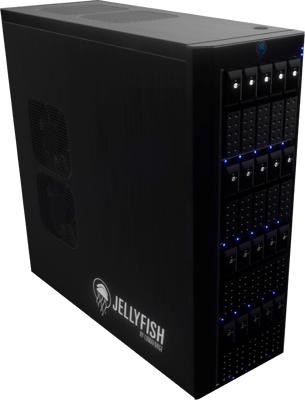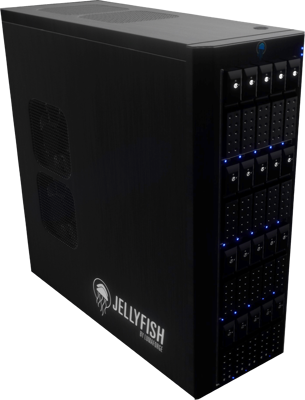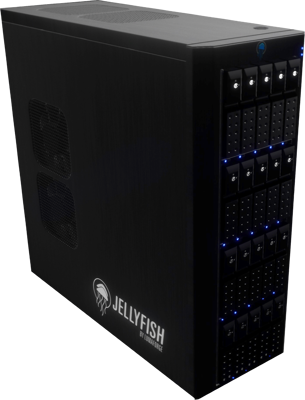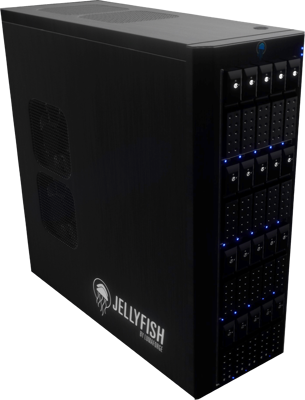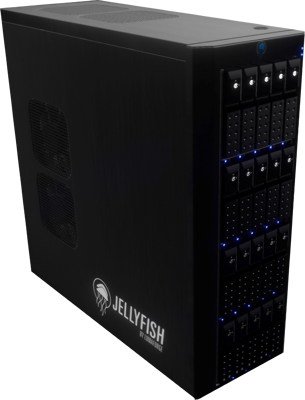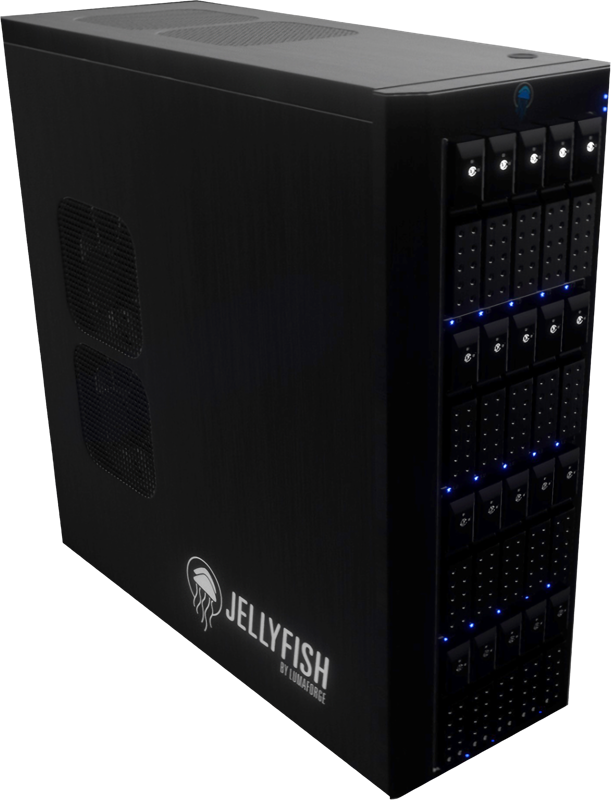

OWC Jellyfish Tower The OWC Jellyfish Tower matches the ease-of-use and plug-and-play powers of the Mobile and is as powerful as something you’d find in your server room. It's quiet enough to stand on its own in your edit bay and powerful enough to take on 6+ editors working with 4K media and beyond.
Connectivity: Plug & play, no switch required The OWC Jellyfish Tower shared storage server can be used with or without a switch. Users can connect directly into one of up to 16 onboard 1GbE or 10GbE ports, or connect to a switch for additional expansion.
Storage: 5 capacity points to choose with and room to grow The OWC Jellyfish Tower is listed with a raw capacity number and an available capacity number. An available capacity number is what will be represented as the total storage after RAID, performance buffers, and overhead are applied.
Performance: Ready for 4K, 8K, and beyond If you need to go fast but don’t have a server room and IT support, the OWC Jellyfish Tower was built for you and your team. Massive bandwidth means smooth playback in hi-res and multicam, and the ability to ingest while editing.
Setup & Software
Setup is Simple The OWC Jellyfish Tower shared storage server was designed to be unboxed and up and running in under 30 minutes with no prior networking experience required. You will be guided through each step of the setup online, and if you need additional help our support team is only a phone call away.
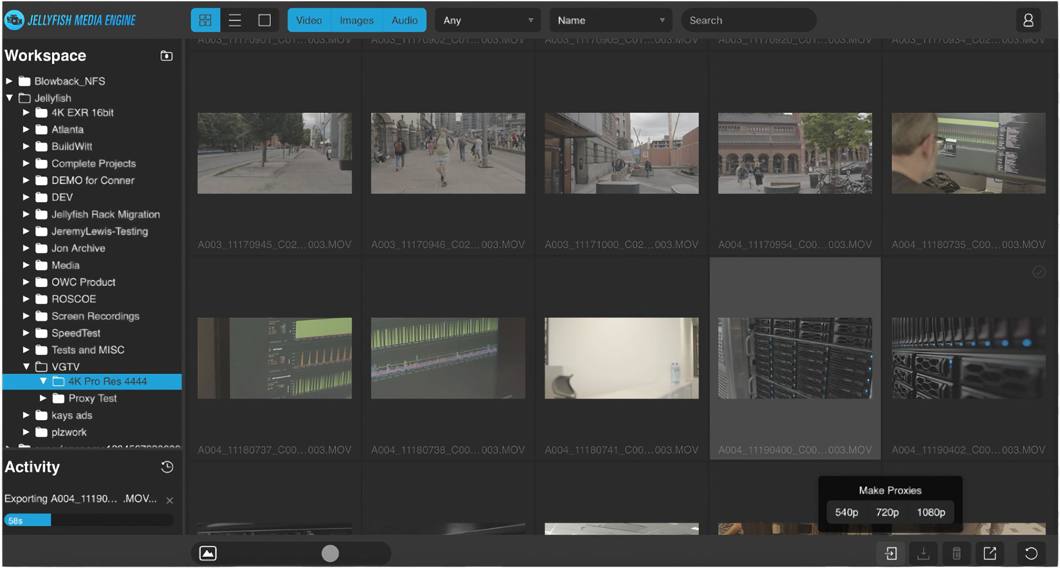
OWC Jellyfish Media Engine Leverage the processing power of your OWC Jellyfish to generate proxies for your offline or remote workflows. Access those proxies locally or remotely and link them to your project. Switch to proxy mode in your editing software and enjoy smooth playback no matter your connection speed. OWC Jellyfish Media Engine comes free with your OWC Jellyfish purchase to provide your team with an extra level of flexibility.
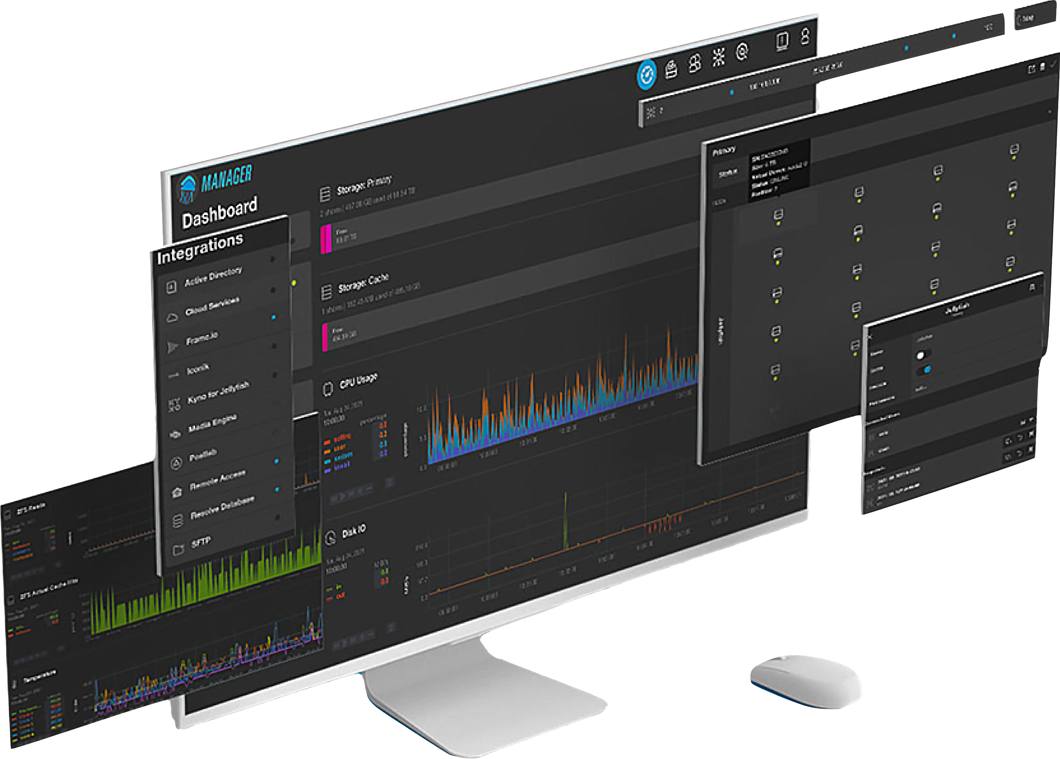
OWC Jellyfish Manager If you HAVE NEVER had to manage a server before, we designed the OWC Jellyfish Manager for you. If you HAVE managed a server before, you’ll wonder why they all weren’t this easy and intuitive.
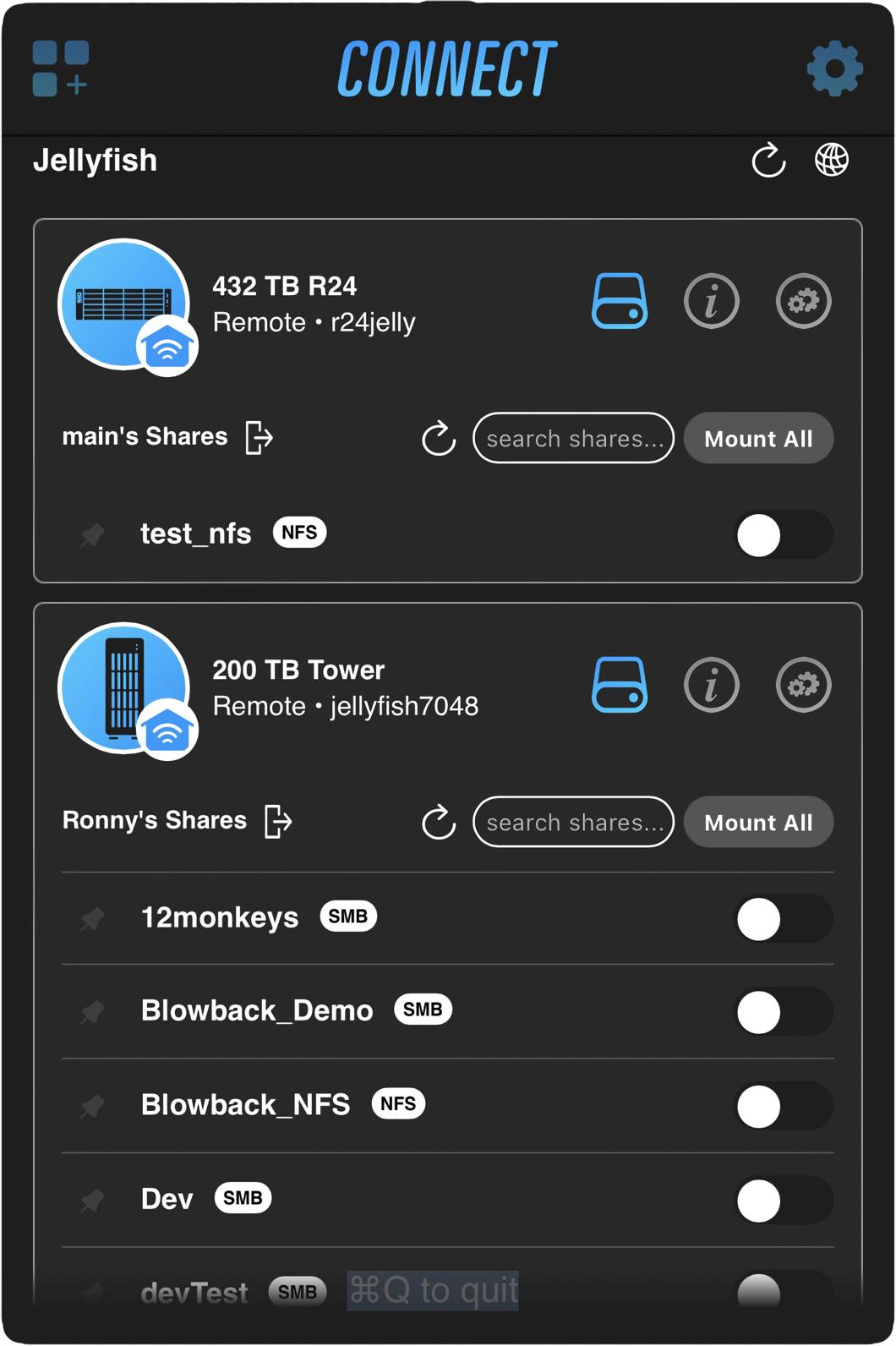
OWC Jellyfish Connect We’ve made connecting your Mac to the OWC Jellyfish Tower easier than ever with our patented OWC Jellyfish Connect app for macOS. Just open the app on your computer and get right to work.
OS Compatibility The OWC Jellyfish Tower shared storage server is compatible with Mac, Windows, and Linux operating systems and supports a mixed hardware / software environment.
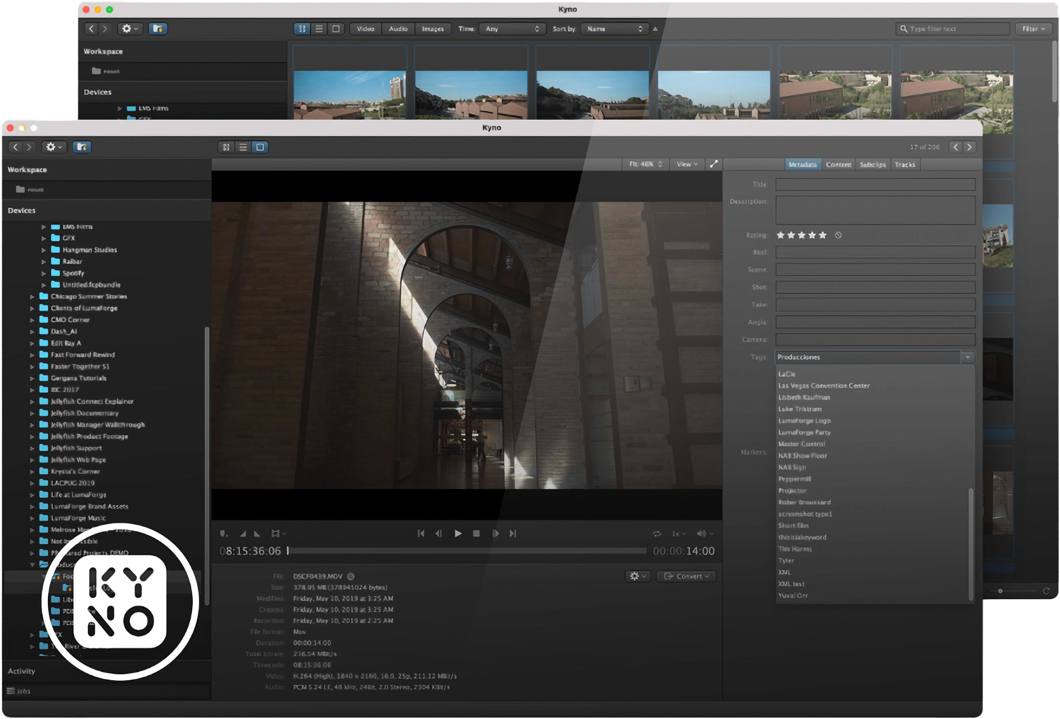
NLE Compatibility Work in the NLE, DAW, or VFX software of your choosing, or use them all. Our engineers work closely with Apple, Adobe, and Blackmagic to ensure seamless workflows between your favorite apps.
- Powerful, whisper-silent desktop 20-bay HDD shared media solution for growing teams
- 80TB raw / 53TB in RAID Z2
- Dual Intel Xeon Silver CPU
- 256GB DDR4 RAM
- 4TB project cache NVMe
- Includes (2) 10GbE RJ45 direct connect users
- Includes (2) spare HDDs
- 3 year warranty